
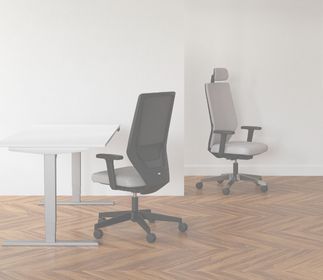

To ensure that you can sit properly at your home office desk and relieve your body, only a few simple steps are required - and about 3 minutes of your time. We'll show you how to properly adjust your office chair, improving your posture, preventing back problems, and relieving pain.
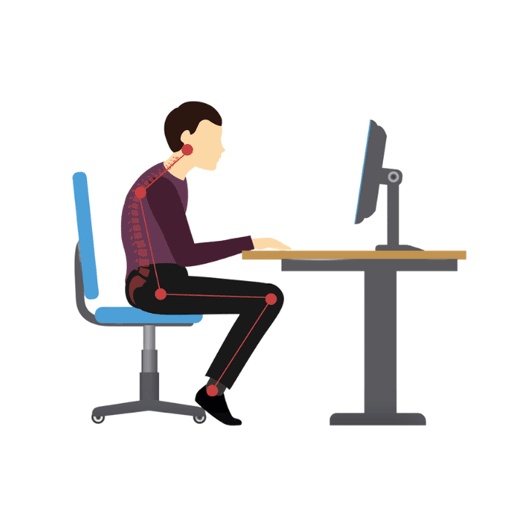
Check Your Sitting Posture
Pause for a moment in your movement - just like you're sitting right now, looking at your screen. Is your back rounded? Are your shoulders and neck bent forward?
If so, you have a typical working posture in which many other people sit for over 10 hours a day.
Did You Know?
The Key Features of (Your) Office Chair in Detail
A high-quality office chair can be perfectly adjusted to your body proportions thanks to various features. This is achieved through a sophisticated seat mechanism located beneath the seat cushion. You may not pay much attention to the mechanism normally, but it's particularly important for adjusting your office chair.
We'll provide you with an overview of the most relevant features and explain what they entail - and, more importantly, why they are crucial for you.
Adjustable Seat Height
Seat height is a function that everyone is familiar with. With it, you can precisely adjust the chair's height to your body size. The length of your lower legs determines the correct seated height.
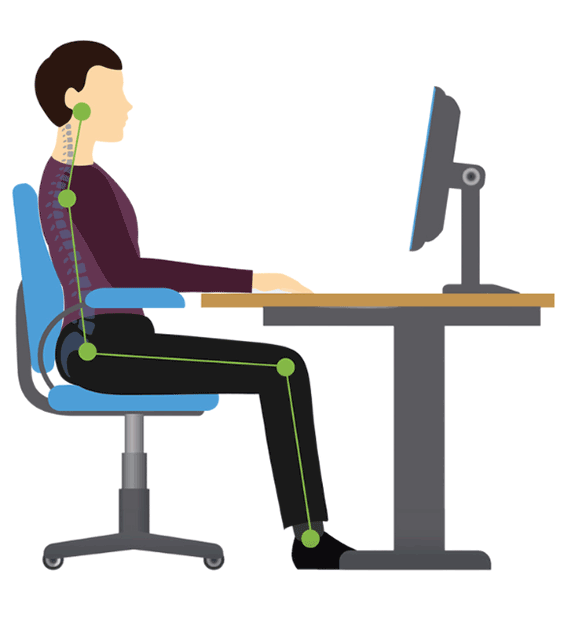
Place your feet flat on the floor and ensure that your heels are roughly under your knees. In the correct seat height, your upper and lower legs form a 90-degree angle. Your knee should be slightly lower than your hip when sitting. If you place a small ball on your thigh, it should roll slowly toward your knee.


Seat Depth Adjustment
The measure for the right seat depth is the length of your thighs. When sitting on your office chair, your pelvis should have contact with the backrest. Additionally, there should be a gap of about three fingers between your calves and the front edge of the seat.
This ensures that even during long periods of sitting, there is no pressure on your knee hollows, and it helps prevent circulation problems in your legs.
Seat Tilt Adjustment
Ergonomic office chairs are often equipped with a seat tilt function. This feature allows the seat to tilt forward by several degrees – but not to the extent that you slide off the seat.
By adjusting your sitting position, your hips and pelvis also tilt slightly forward. The result? Your spine is aligned, and your sitting posture on the office chair improves.


Adjustable Backrest
The backrest of a high-quality office chair supports the S-curve of your spine and provides back support. Thanks to a special mechanism known as the synchronous mechanism, the seat and backrest move in sync.
During forward and backward leaning, the backrest automatically adjusts to your movement. The mechanism often includes a weight adjustment for the backrest, allowing you to customize the counterpressure of the backrest to your body weight. We advise against locking the backrest to avoid static sitting and provide more movement for your back.
Many of our office chairs are equipped with lumbar support that stabilizes your lower back. When you adjust the lumbar support correctly to your back, you can prevent tension and posture problems and relieve back pain.
Adjustable Neck and Headrest
This additional feature supports the positioning of your head and neck while sitting in your chair. The optimized sitting position can help prevent tension and pain. Adjust the headrest so that your gaze falls slightly downward to the screen.
Make sure that the screen is approximately 50 to 60 cm (about 20 to 24 inches) away from your head. This not only benefits your head and neck but also protects your eyes.

Did You Know?
The Most Important Functions of a Office Chair in Detail
A high-quality office chair can be adjusted to fit your body proportions perfectly, thanks to various features. This is made possible by a sophisticated seating mechanism located under the seat. Normally, you may not pay much attention to this mechanism, but it is crucial for adjusting your office chair to your needs.
We provide you with an overview of the most relevant features and explain what they entail - and, most importantly, why they are essential for you.
- Adjust Seat Height: You've found the right seat height when your feet are flat on the floor, and your upper and lower legs form a 90-degree angle.
- Adjust Seat Depth: Adjust the seat depth so that your pelvis contacts the backrest. Ensure there's about a 3-finger-width gap between the front edge of the seat and your knees while sitting.
- Adjust Seat Tilt: Tilt the seat slightly forward using the seat tilt function.
- Adjust Armrests: Position your armrests at the height of your desk. When you place your forearms on the armrests, your upper and lower arms should form a 90-degree angle.
- Adjust Headrest: If your office chair has head and neck support, adjust it so that your gaze is slightly lowered towards the screen.
- Adjust Lumbar Support (Lordosis): The lumbar support in the backrest supports your lower back. Position it around your waistline.
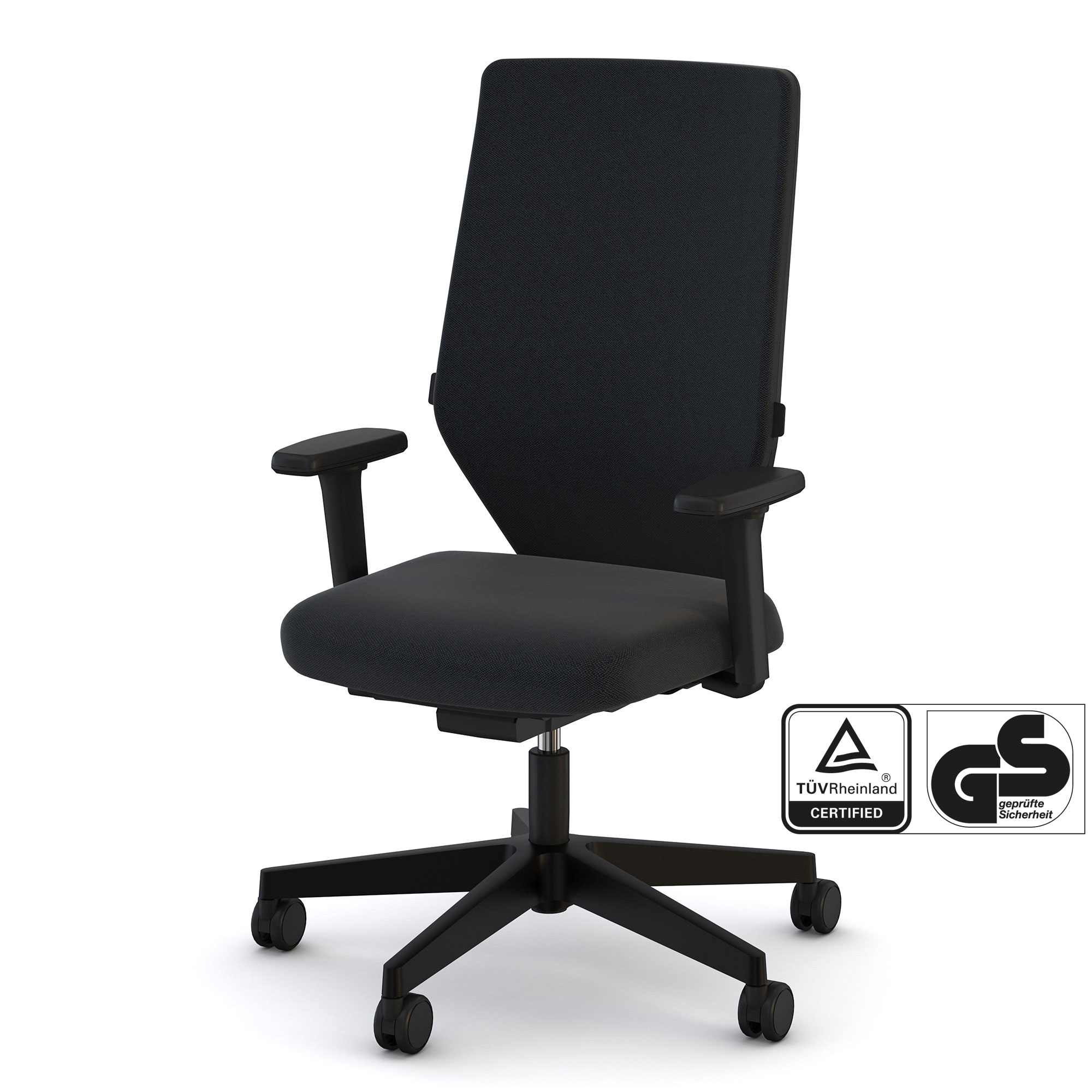
Ergonomic Office Swivel Chairs Popular Among Our Customers
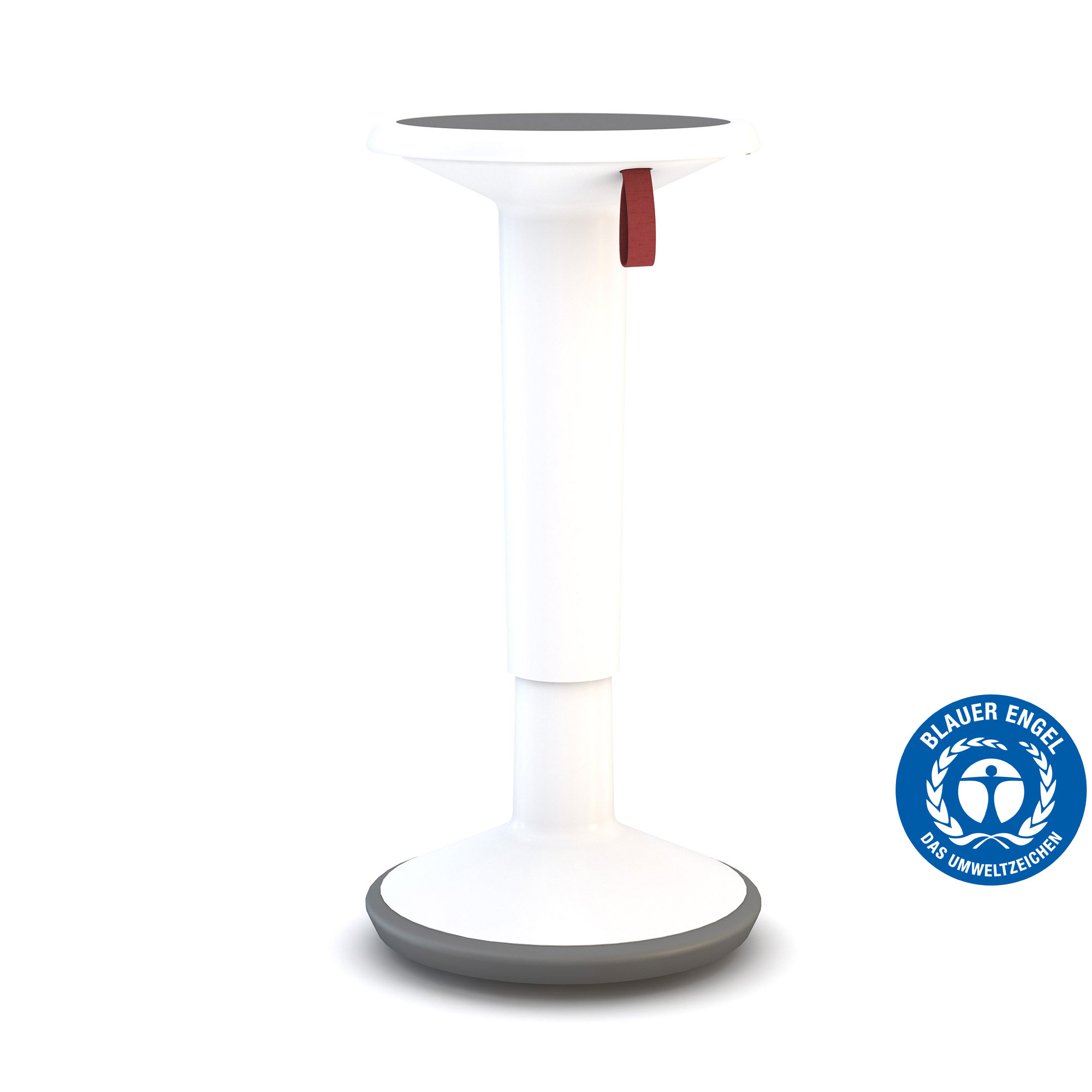
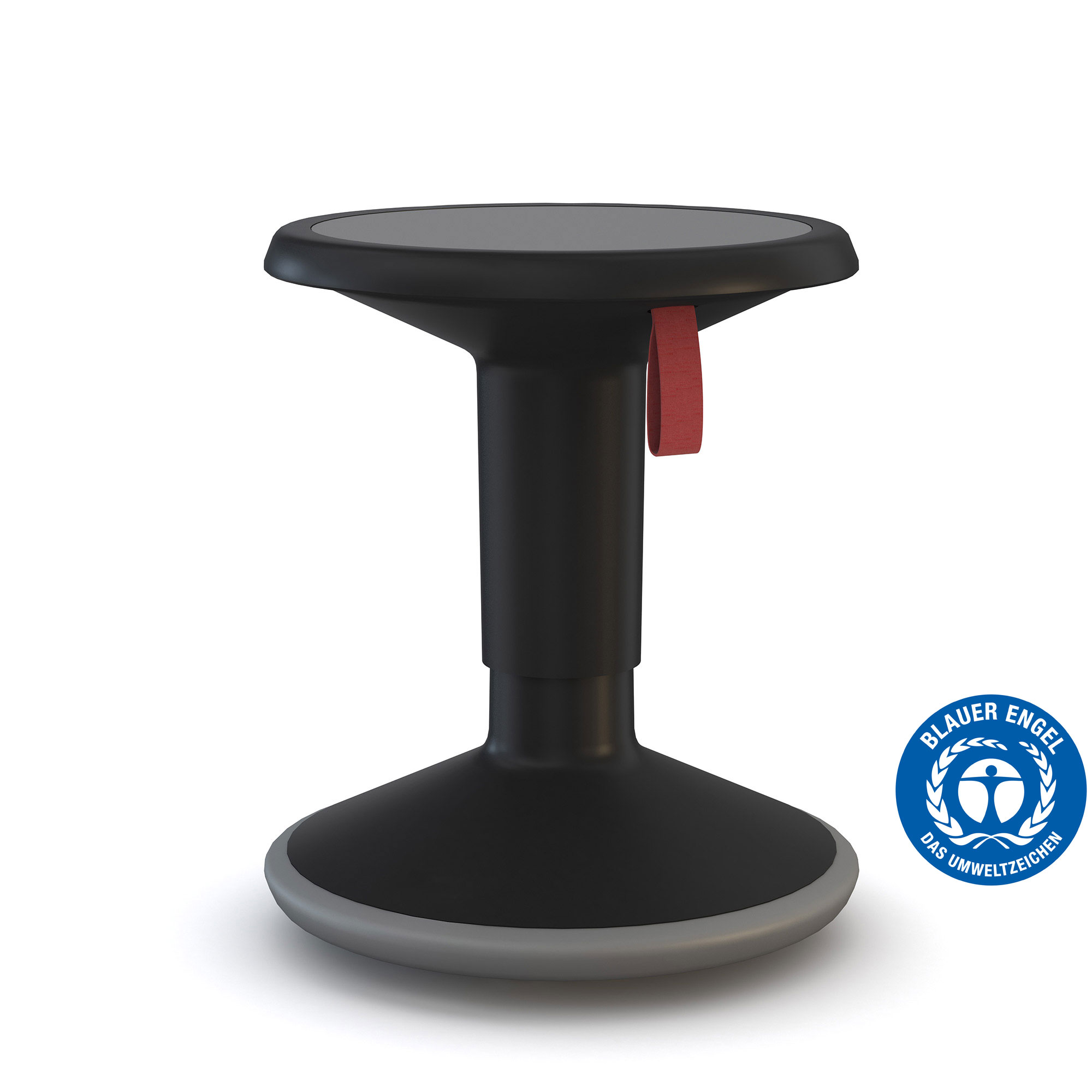
Adjusting your office chair? Check! Now that you know about the correct sitting posture. If you want to introduce more movement into your workday, consider using a stool or a standing aid as an addition.
How do you find the right adjustment for a standing stool or standing aid?
Standing Stool or Standing Aid
So what about the correct adjustment of these two seating options? After all, you want to prevent any negative effects on your back and provide the best possible support for the rest of your body.
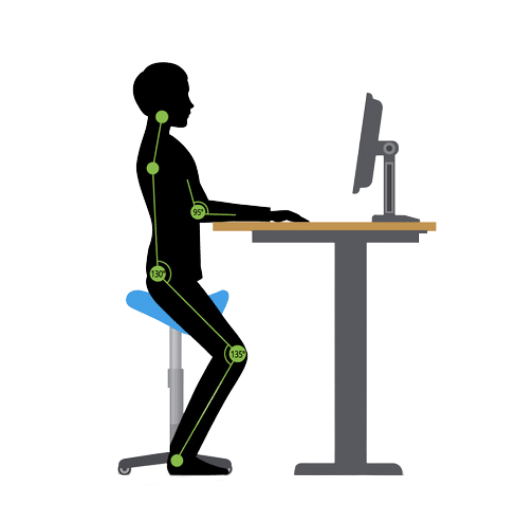
To find the right height, only a few steps are necessary. When using a standing stool or standing aid, you are not sitting completely on the seat but rather leaning against it. You place your feet firmly on the floor while slightly bending your knees and straightening your back. If you want to be precise: Your upper and lower legs should form a 135-degree angle.
Find the Perfect Desk
Discover Your Ideal Home Office Desk with Three Simple Questions

Organize Your Desk Properly
In this blog post, we share tips on how to organize your desk.
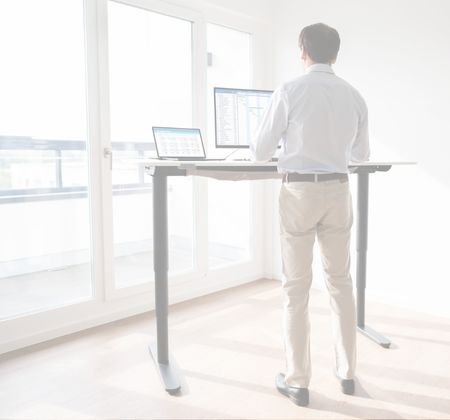
Properly Adjust Your Desk
In this post, you'll learn how to properly adjust your desk.